 mingo
mingoGet help in three taps
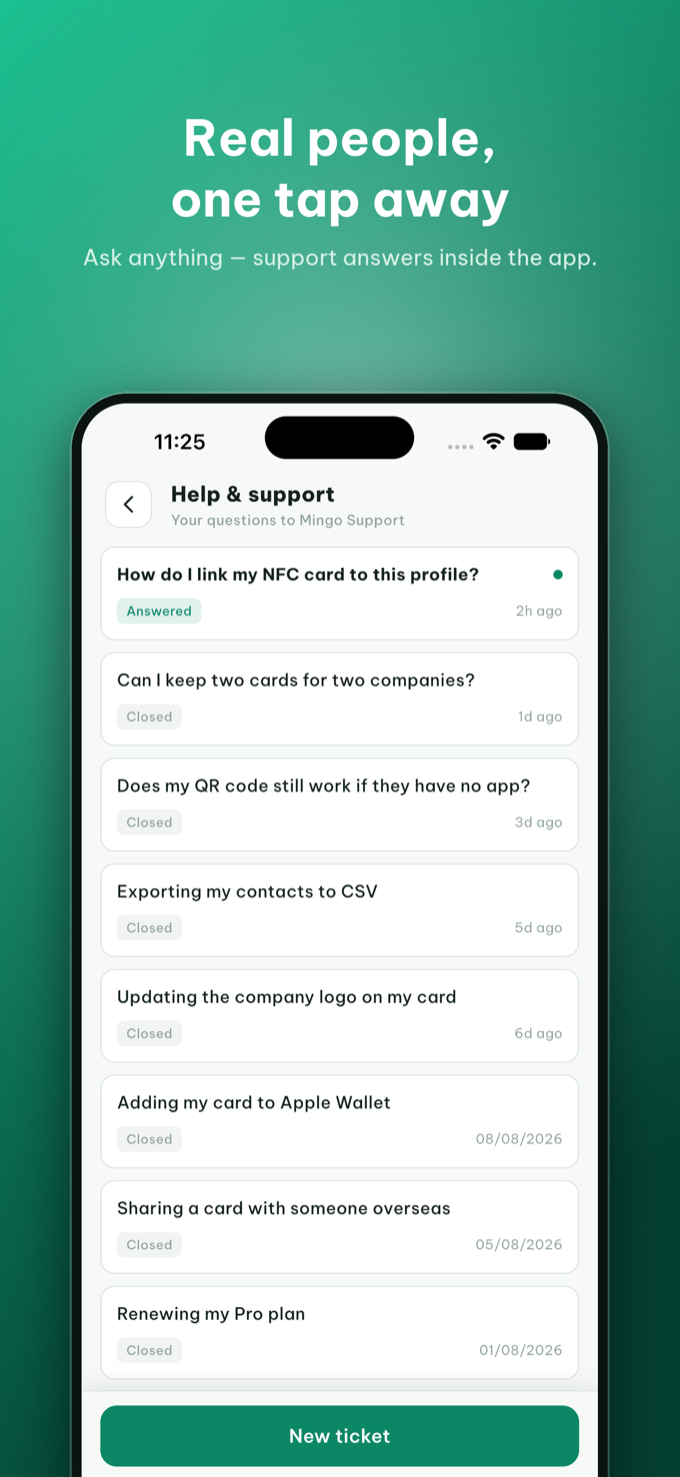
Open Help & support
In the Mingo app, go to Settings → Help & support. You'll see all your questions in one place, each with its live status — Answered or Closed — so nothing gets lost.
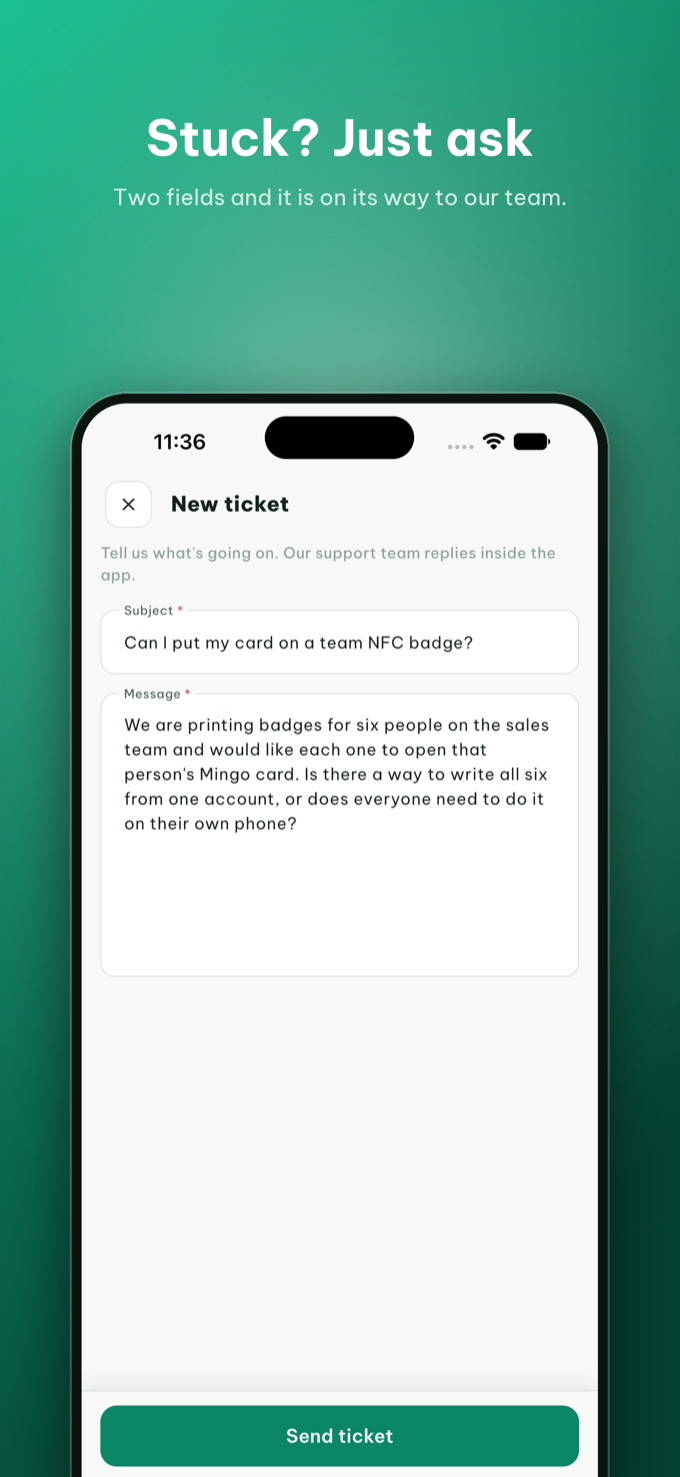
Start a new ticket
Tap New ticket, type your question in your own words — any of Mingo's languages is fine — and send it. Screenshots help if something looks wrong.
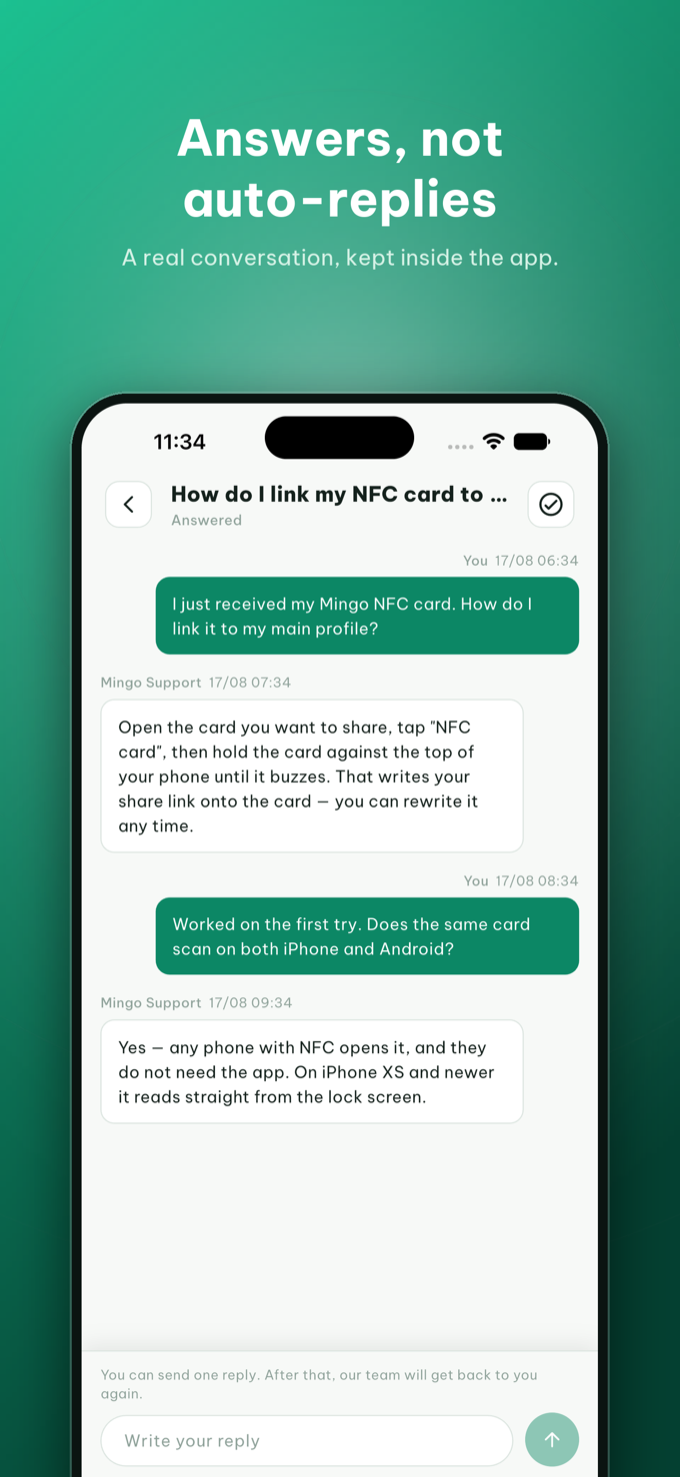
Get your answer in the thread
Replies land right in the ticket's thread and you're notified when they arrive — a conversation, not a case number. Reply again anytime; reopening a topic is just another message.
💬 Quick answers
Many questions are already covered in the FAQ on our homepage — whether recipients need the app (they don't), what's in Free vs Pro, and what happens when you change jobs.
✉️ No app yet?
You can always email us at support@mingo.cards — for example about the website, your data, or anything before you've installed Mingo.